2103144 Festival Painting Photoshop Action 5710845
Photoshop ATN, ABR | 13 Mb
Festival Painting Photoshop Action
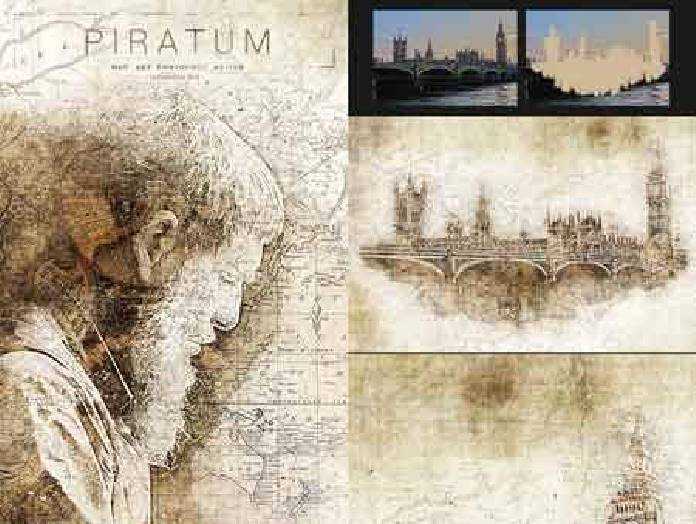
Festival Painting Photoshop Action Turns your photo into a real of a Painting look. Save time of work with this action. After action finishes the work you get a well-organized and structured file with the many layers, folders, and settings to improve the final result. This set contains 10 different color option When you open unviewed eye.
My Working Software Version : CC2020 English Version. Software supported version: CS4,CS5, CS5.5, CS6, CC, CC2014, CC2015.5, CC2017,CC2018,CC2019,CC2020+ English Version.
Most important instruction:
(1) How to Select the Subject
In this section, we are going to make a selection of our subject and then copy the subject to a separate layer. Choose the Quick Selection Tool (W) and select the background of the photo. Use the Shift-Alt buttons on your keyboard to add or subtract areas from the selection. After you’ve made a perfect selection, press Control-Shift-I on your keyboard to invert the selection. Now go to Select Modify Smooth and set the Sample Radius to 5 px. Next, go to Select Modify Contract and set Contract By to 2 px. Finally, go to Select Modify Feather and set Feather Radius to 2 px.
(2) Open your photo take a new layer then rename “paint”( in lowercase). Then select a soft brush and paint your image. Close “paint” layer eye and keep selection “paint” layer Then click action play button.
File Includes:
- ATN File(Photoshop Action File included)
- Brush File
- 10 Color Option
- Help File
- PDF Help File
- Work on every photos.
- High quality result.
- Easy Customizable
- Organize layers
- Easy Install
- User Guide
- Easy to Use
Note: Preview images and Mockup are not included
Images Recommended : I use images 2000x3000px or 3000x2000px dpi 300