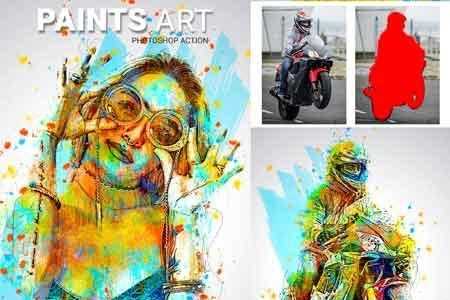
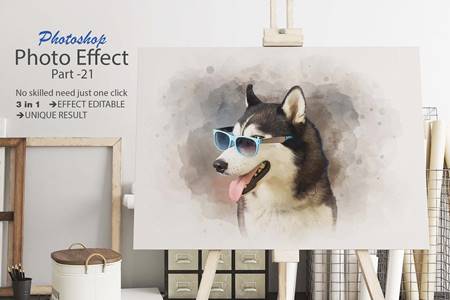
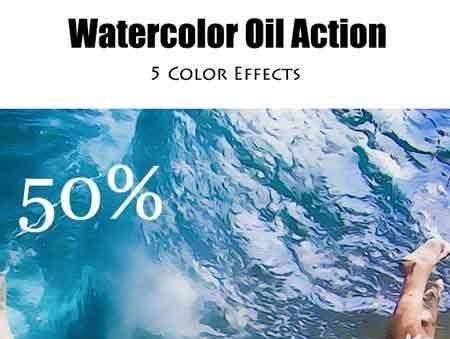
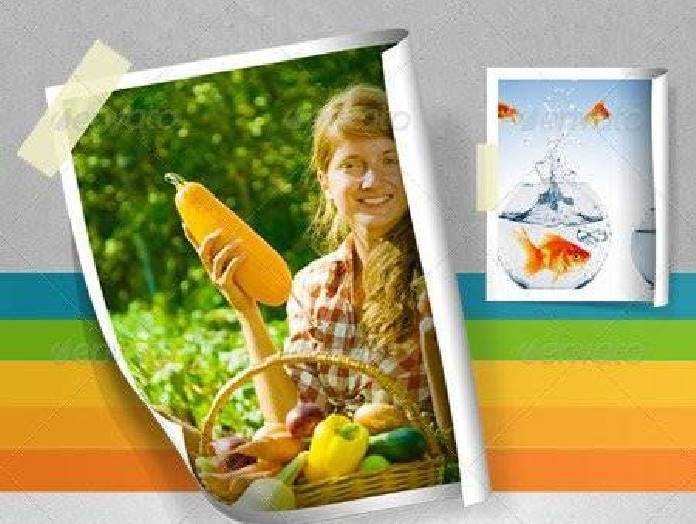
Carry out mesmerizing, high-quality images and photography in a couple of clicks! This photo effect comprises Smart Object layers, providing complete customization, ease, and versatility of a working process. Simply open the required layer by double-clicking its thumbnail, delete the placeholder shot, add your graphics, save it and watch the design magic happening in your Photoshop artboard. Don’t forget to toggle some adjustment features, adding the last touches to the composition.
What’s inside?
– 2 high-quality PSD files;
– 4500×3000 px, 300 dpi;
– 3000×4500 px, 300 dpi;
– help file.
So, you’ve heard about this new trend called the Glitch Pixels Screen Photo Effect? Yes, it’s as cool as it sounds! You can turn any ordinary photo into a unique glitch masterpiece with just a few clicks. Intrigued? Let’s dive into the world of glitch art and learn how to create your own glitch pixels screen photo effect!
What is Glitch Pixels Screen Photo Effect?
Glitch art is all about taking images and distorting them in a way that creates fascinating visual errors. One popular glitch art technique is the Glitch Pixels Screen Photo Effect. This effect simulates a digital screen malfunction by pixelating and distorting the image, giving it a futuristic and edgy look.
How to Create Glitch Pixels Screen Photo Effect?
- Choose Your Image: Start by selecting a photo that you want to apply the glitch effect to. It could be a portrait, landscape, or any image that you find visually appealing.
- Use a Glitch Art Generator: There are several online tools and apps that allow you to create glitch art effortlessly. Simply upload your image to the generator and select the Glitch Pixels Screen effect.
- Adjust the Settings: Play around with settings such as pixel size, glitch intensity, color distortion, and other parameters to customize the glitch effect to your liking.
- Save Your Glitch Art: Once you are satisfied with the outcome, save your glitched photo to your device. You can share it on social media, use it as a unique wallpaper, or even print it out and frame it!
Tips for Creating Stunning Glitch Art
- Experiment with different glitch effects to discover your signature style.
- Combine multiple glitch effects for a more complex and intriguing look.
- Don’t be afraid to push the boundaries and create bold, striking glitch art pieces.


addOnsApplicationsSupported: Adobe Photoshop
So, what are you waiting for? Unleash your creativity and dive into the captivating world of glitch art with the Glitch Pixels Screen Photo Effect!
Download the Zip File: Simply click on the provided direct download link. Your browser will typically recognize that it’s a direct link to a file.
Extract the Files: Right-click on the zip file and select an option like “Extract” or “Extract Here” from the context menu. Alternatively, you can use file archiving software like WinZip, 7-Zip, or macOS’s built-in Archive Utility.