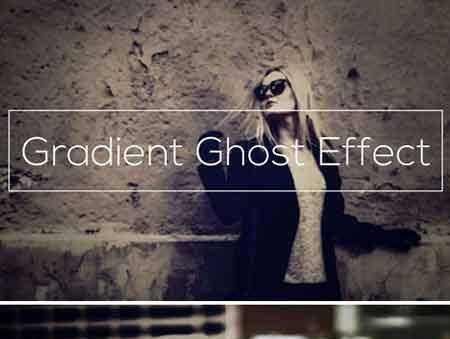
2103509 Double Exposure Photoshop Action 19208213
Photoshop ATN | 272 Kb
DOUBLE EXPOSURE
Double exposure Photoshop Action convert your images into professional artwork in easiest possible way. Combine unlimited photos and get magical effect. Easy to customise and improve. One click action. Video tutorial below.
VIDEO TUTORIAL
SUCCESSFULLY TESTED AND OPTIMIZED
- Tested and working for Adobe Photoshop CS3 and newer till Photoshop 2020 versions, Windows or Mac.
- Tested and working for Photoshop Elements 2020, Windows or Mac..
ACTION INCLUDE
- main .atn file
- user’s guide .pdf file with recommendations
- Color options
- fully editable graphic elements
- well organized folders
FOR THE BEST RESULT, IT IS RECOMMENDED TO USE
- photo sizes between 1500 – 6000px
- photo resolution 72 – 300dpi
COMBINE ACTIONS
To build even more advanced and creative designs you can try to combine this action with items below. It’s realy easy:
- Run the first action
- Merge visible to new layer (ctrl + alt + shift + E)
- Run another action
More Useful Tips & FAQ
Professional Tips for Best Results
- Choose High-Contrast Images: When using a double exposure photoshop action, select base photos with clean, high-contrast backgrounds to ensure seamless and dramatic blending.
- Experiment with Textures: Combine your standard portraits with nature landscapes, bustling cityscapes, or intricate abstract textures to create captivating visual narratives.
- Leverage Non-Destructive Editing: Always work on duplicate layers. This allows you to easily adjust opacity, refine layer masks, and tweak gradients long after the action finishes playing.
Frequently Asked Questions (FAQ)
- Where can I find a high-quality double exposure photoshop action free download?
You can easily access our premium-grade double exposure photoshop action free directly on this page to elevate your digital art and commercial design projects without breaking the bank. - Why do designers need this specific action?
Crafting complex, flawless photo blends manually can take hours of meticulous masking. This automated tool empowers graphic designers and photographers to achieve professional, cinematic double exposure effects in just a few clicks, saving valuable time while massively boosting creative output.