
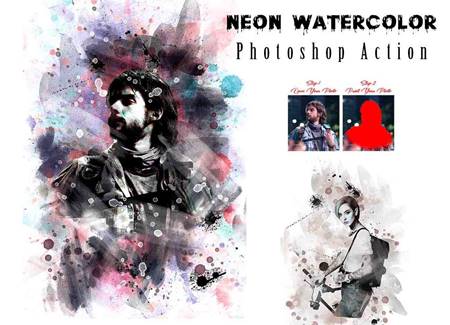
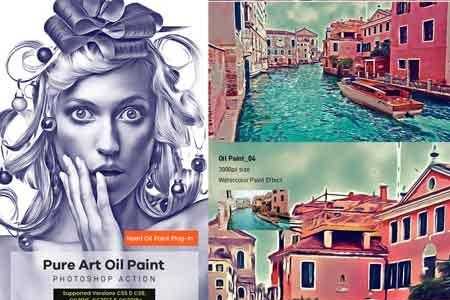
Carry out mesmerizing, high-quality images and photography in a couple of clicks! This photo effect comprises Smart Object layers, providing complete customization, ease, and versatility of a working process. Simply open the required layer by double-clicking its thumbnail, delete the placeholder shot, add your graphics, save it and watch the design magic happening in your Photoshop artboard. Don’t forget to toggle some adjustment features, adding the last touches to the composition.
What’s inside?
– 2 high-quality PSD files;
– 4500×3000 px, 300 dpi;
– 3000×4500 px, 300 dpi;
– help file.


addOnsApplicationsSupported: Adobe Photoshop
Now that you know how to create the cut out photo effect, why not give it a try? Unleash your creativity and make your photos stand out with this captivating technique!
Download the Zip File: Simply click on the provided direct download link. Your browser will typically recognize that it’s a direct link to a file.
Extract the Files: Right-click on the zip file and select an option like “Extract” or “Extract Here” from the context menu. Alternatively, you can use file archiving software like WinZip, 7-Zip, or macOS’s built-in Archive Utility.



Teşekkürler emekleriniz için.