1910067 Subtle Cartoon Purple Selective Effect 22985429
Photoshop ATN | 1 Mb
Click on Google Drive logo for Free Download:

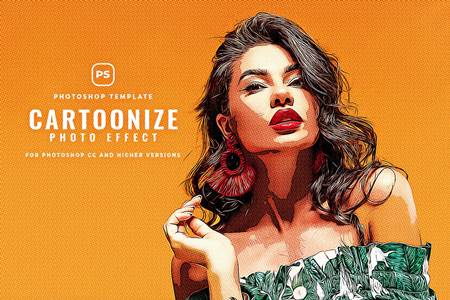
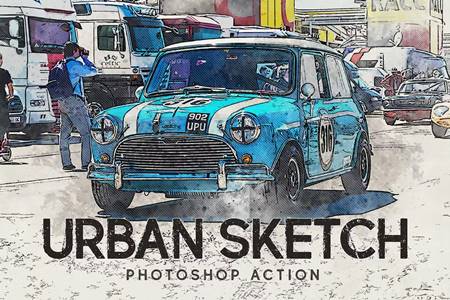
Package containing one Photoshop Action featuring a subtle cartoon purple selective effect on your images. The effect is easy to achieve, and it will take a few seconds – minutes to apply.
The action works best with high resolution images!
Inside the package you’ll find one .atn file, and one PDF file explaining how to install and use the action.
1. Make sure your image is not a smart object. If it is, press right click on the image layer and select the option “rasterize layer”. This way you make sure the action will work on you image.
2. Make sure you use the action on a single opened image. Don’t try to use it on an image that is already part of a project, because the effect may apply to everything, not only the image you want. You can try, but if the desired effect is not achieved, you should try using the action on a new opened image.
As every other action out there, errors may appear. If that’s the case, don’t hesitate to comment on my Graphic River profile and I’ll help you as soon as I see your comment.
!!! THE LIGHTNING OF THE IMAGE WILL INFLUENCE THE EFFECT!!!
!!! Be aware that some images may not have the same results as other images. Some of them with different light details will get different results. Very bright pictures may not benefit from the effect and may look completely unrecognizable when using this action. Same for images that are too dark. !!!