1805216 Exaggerated Drawing Photoshop Action 21658501
Photoshop ATN | 2 Kb
Click on Google Drive logo for Free Download:

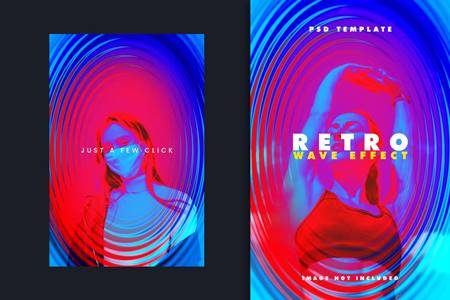
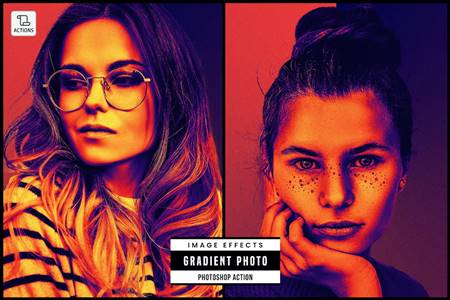
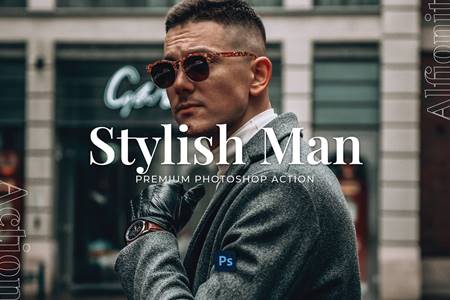
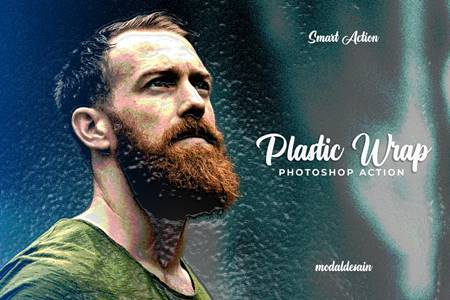
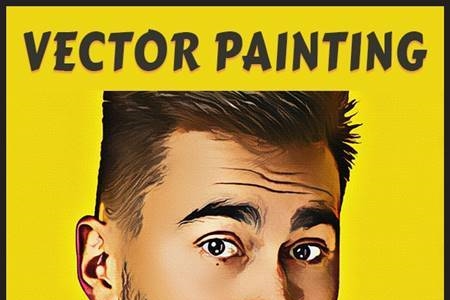
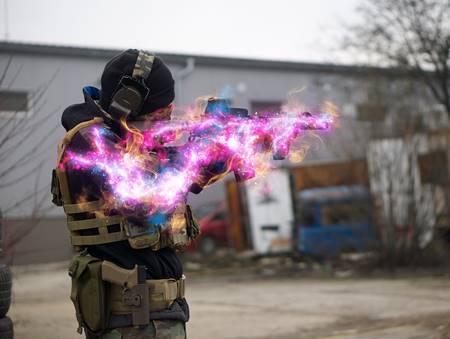
Exaggerated Drawing Photoshop Action with professional Photoshop actions.
Photoshop Configure for this Action
1. Make sure you are using the English version of Photoshop.
2. Use the RGB Mode and 8 Bits color. To check these settings, go to Image-> Mode and check the “RGB color” and “8 Bits/Channel”.
3. For the best results, it is recommended to use high resolution photos in the range of 1500px – 6000px. The optimal range is from 3000px – 6000px. The detail and clarity in the effects generated by the actions reduce the smaller your photo is.