🆓 Free Files of the Month
Every month, Envato Elements gives away new premium design assets for free. Download templates, fonts, graphics, and more – available only this month!
🔗 Get This Month’s Free Files2110064 Technological Sketch Photoshop Action V2 20877005
Photoshop PAT, ATN, ABR | 37 Mb
VIDEO TUTORIAL

All the instructions for using the action are also given in help file.
Note: This action works with Photoshop CS3, CS4, CS5, CS6, CC and CC 2018
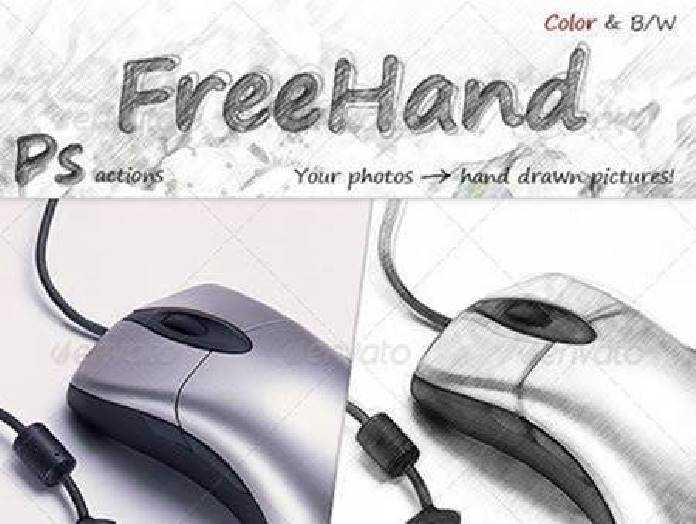
Technological Sketch Photoshop Action turns your photo into a realistic ink sketch. Action contains color options. Save hours of work with this action. After finishing the action you will get a well-organized and structured file with the many layers, folders and settings to improve the final result.
IT’S IMPORTANT!!!
Use the English version of Photoshop
The action has been made to work only with the English version of Photoshop, so use the English version. If don’t have you can change the language of your version of Photoshop to English using this method
Activate RGB Mode and 8 Bits color
Go to Image->Mode and check the “RGB color” and “8 Bits/Channel” are active.
Check the option “Add ‘copy’ to Copied Layers and Groups” is active
This option applies only to CS5 and later versions of Photoshop. Go to the “Layers panel”> Menu icon>“Panel Options…”, and make sure that the “Add ‘copy’ to Copied Layers and Groups” is active.
Confirm your photo with 72dpi or higher
If you use a photo with less than 72dpi, you will not get perfect result. To fix this, go to Image->Image Size and increase the resolution.
Confirm the opacity of the brush to 100%
Set the Opacity of the brush to 100%. Select the “Brush Tool” and move the opacity slider to 100%.
Note: Photos used in preview are not included